
Overview: what OpenAI changed and who gets it
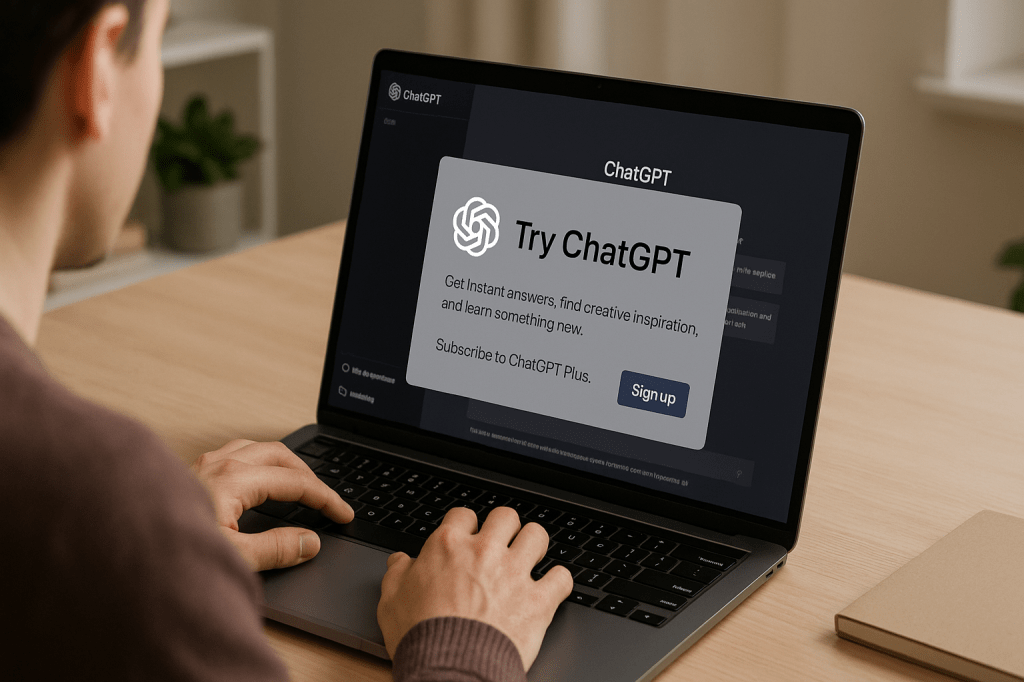
OpenAI updated ChatGPT with a new GPT-5 powered feature called company knowledge. The feature connects ChatGPT to workplace tools such as Slack, Google Drive, SharePoint, GitHub, and Intercom. It is rolling out to Business, Enterprise, and Education customers, and it aims to let teams search internal data across many apps from a single conversational interface.
This article explains how company knowledge works, why it matters for ordinary workers and students, the limits and security questions it raises, and practical steps teams can take before turning it on. Key facts and names are stated up front. The update is powered by GPT-5, it links ChatGPT directly to corporate apps, and it is a manual per conversation feature with some functional restrictions while active.
How company knowledge works
Company knowledge makes ChatGPT a conversational search tool for internal content. Users can connect approved apps and cloud locations, then ask ChatGPT to search across those sources at once. The system uses GPT-5 to synthesize results, apply date filters, and show explicit citations back to the original documents or messages.
Important behavior details include:
- Simultaneous multi source search. ChatGPT looks through files, messages, and repositories at the same time, reducing the need to switch between apps.
- Date filters and context. Users can limit searches by date ranges, which helps with recent project updates and version control.
- Contextual reasoning while searching. The model performs what OpenAI describes as controlled, step by step thinking over the connected sources so it can synthesize a single answer.
- Explicit citations. Responses include references that show where the information came from, to help with traceability and verification.
- Manual activation. Company knowledge must be turned on for each conversation. It does not run by default in every chat.
- Feature restrictions when enabled. Web search and some ChatGPT features like generating charts or certain images are limited while company knowledge is active.
Why this matters for everyday work and school tasks
For employees and students, the change turns ChatGPT into a conversational workplace search engine. Instead of opening Slack, a file drive, and an issue tracker, you can ask the assistant to collect the most relevant messages, documents, and code snippets.
Common use cases include:
- Meeting preparation, with a short briefing pulled from notes and recent messages.
- Onboarding, where a new hire can ask for summarized project histories and links to relevant docs.
- Research synthesis, combining data from shared drives, support tickets, and code comments.
- Faster troubleshooting, when developers ask for recent errors recorded in logs or GitHub issues.
User experience and limits to know
Company knowledge is intentionally guarded. It only runs when a user enables it for a conversation. That manual control reduces accidental exposure of sensitive data, while still letting people get richer answers when they need them.
While it is active, expect these trade offs:
- Some features are restricted. The assistant may not run web searches or create certain visuals in the same chat session.
- Connected app answers without it are shallower. ChatGPT can still answer from limited integrations, but the depth comes from the company knowledge mode.
- Accuracy can vary. The model synthesizes content across sources; users must verify citations before making decisions based on the output.
Availability and target audience
OpenAI is rolling the feature out to Business, Enterprise, and Education tiers of ChatGPT. That positioning aims it at teams and institutions that manage shared data, rather than individual consumers.
Administrators will likely control which apps and accounts can be connected. The feature is useful in settings with a lot of shared documentation, such as product teams, support groups, research teams, and schools that use shared drives and communication platforms.
Security, privacy, and compliance questions
Giving a model access to corporate data raises several governance points. The company knowledge feature includes audit and citation tools, but it still requires careful admin setup and monitoring.
Key considerations for IT and compliance teams include:
- Access controls. Admins should scope which users and which apps are permitted to integrate with company knowledge, to reduce the risk of overexposure.
- Data governance. Define policies for what types of documents can be indexed and how long results are retained. Not all files should be fair game for a model to read.
- Auditability. Citation trails help, but organizations should log who asked what and which items were accessed, for future review.
- Verification workflows. Teams should require human checks for facts that affect legal, financial, or safety outcomes.
- Third party data. Messages and files that include customer data may need special handling to meet privacy regulations and contractual obligations.
How this compares with competitors
This update follows a broader industry trend where AI agents connect to enterprise apps. For example, other companies have introduced similar features that let assistants access calendars, files, and communication platforms. Anthropic has a feature called Skills that also integrates agent abilities with external services.
The main differentiation here is the explicit focus on multi source search, date filtering, and citation style outputs. OpenAI is using GPT-5 to provide a single conversational interface that can combine many internal sources, rather than linking to one app at a time.
Practical tips for teams before you enable company knowledge
If your organization is considering a rollout, start small and plan controls. Here are practical steps to reduce risk and increase value.
- Pilot critical use cases. Start with non sensitive projects like meeting summaries, documentation indexing, or onboarding packets.
- Define permission scopes. Limit which folders, Slack channels, or repositories the model can access during the pilot.
- Create verification prompts. Train staff to ask the assistant for citations and then verify those sources manually, especially for decisions that matter.
- Monitor model behavior. Track typical queries and look for hallucinations, repeated misattributions, or omissions in source citations.
- Document policies. Publish simple guidelines for staff about when and how to use company knowledge, and which approvals are needed for sensitive queries.
Example pilot checklist
- Choose a small cross functional team to test the feature for 2 to 4 weeks.
- Connect a limited set of sources, such as public docs and one Slack channel.
- Collect feedback on citation accuracy, helpfulness, and time saved.
- Update policies and expand access based on results and risk assessments.
Potential next steps and future changes
OpenAI may expand how company knowledge interacts with other ChatGPT features. Possible future improvements include role based access controls, deeper two way integrations so the assistant can suggest edits back to documents, and broader support across ChatGPT capabilities like richer visual outputs when permitted.
The broader trend will likely be toward more tightly integrated assistants inside workplace apps, with accompanying investment in governance, auditing, and compliance tools.
Key takeaways
- OpenAI released a GPT-5 powered company knowledge feature that connects ChatGPT to Slack, Google Drive, SharePoint, GitHub, and other workplace tools.
- The feature searches multiple internal sources at once, applies date filters, and provides explicit citations to original items.
- It is designed for Business, Enterprise, and Education users, and must be turned on per conversation.
- There are trade offs. Some ChatGPT features are restricted while company knowledge is active, and accuracy and privacy need careful oversight.
- Teams should pilot the feature, scope permissions, require citation checks, and monitor outputs before a broad rollout.
FAQ
Who can use company knowledge right now
The feature is being rolled out to Business, Enterprise, and Education customers of ChatGPT. Individual free tier users do not get this capability by default.
Does company knowledge read everything in my apps
No. Access depends on admin configuration and which sources are explicitly connected. The feature runs only when a user enables it for a conversation.
Are answers traceable back to original documents
Yes. The system includes explicit citations to show where facts and quotes came from, which helps with verification and audits.
Should we trust the assistant for legal or financial decisions
Not without human review. Organizations should require verification for any decisions with legal, financial, or safety implications.
Conclusion
OpenAI is positioning ChatGPT as a conversational search engine for internal company and school data by adding GPT-5 powered company knowledge. The feature can speed up meeting prep, onboarding, and research by searching across Slack, Google Drive, SharePoint, GitHub, and other tools at once, with date filters and citations. It arrives with sensible controls such as manual activation and admin scoping, but it also brings governance challenges around privacy and accuracy. Teams should pilot the feature with clear permission rules, citation verification, and monitoring before wider adoption.
For everyday users, the main immediate change is simpler access to consolidated information without app switching. For administrators, the work will be in configuring safe access and auditing usage. Done well, company knowledge can reduce search time and help teams stay aligned. Done without careful controls, it could expose sensitive data or encourage overreliance on unverified outputs.



 AI Everything Today
Leave a comment