
Quick overview
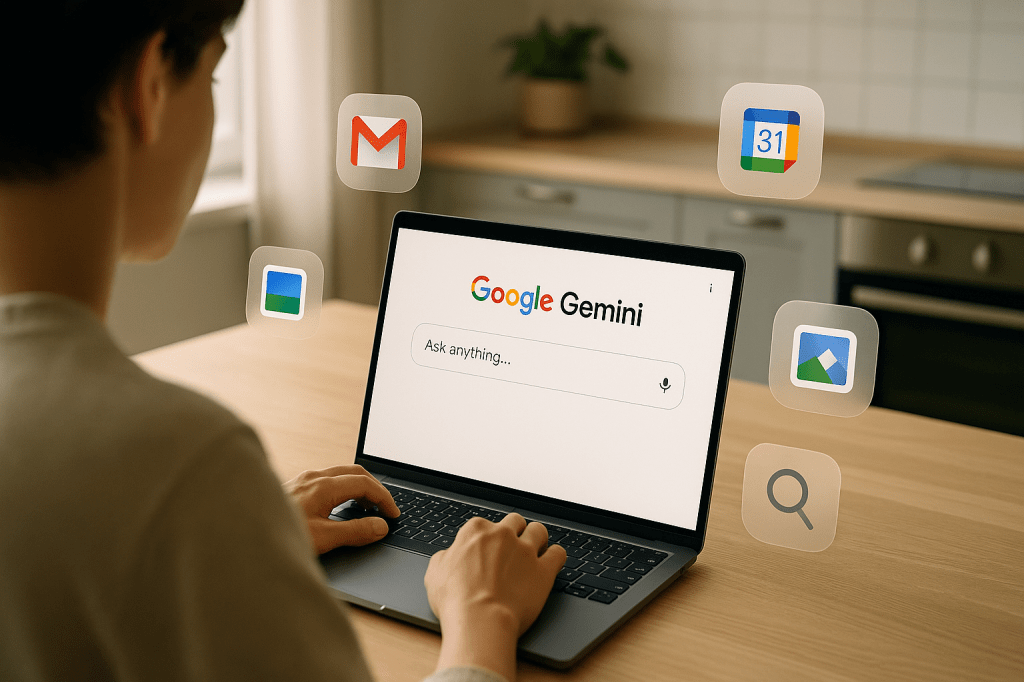
Google announced that Gemini in Chrome will no longer require a membership fee and will begin rolling out to Mac and Windows users in the United States. The update brings new features including cross tab context, browser history recall, deeper page sharing on mobile, and access to Google Workspace for both regular and Enterprise users. Google also said it plans to give Gemini agentic abilities so the assistant can perform tasks on a users behalf with checkpoints for high risk actions.
Why this matters right now
This change moves Gemini from an optional add on to a built in assistant for Chrome users on Mac and Windows in the US. That affects everyday tasks like shopping, scheduling, and research, because the assistant can access more of your browser context and Google Workspace data. It also shifts responsibilities for privacy, security, and control to users and IT administrators.
What Google announced, in plain language
- Gemini in Chrome will be available without a paid membership for eligible Chrome users, rolling out on Mac and Windows in the US.
- New capabilities include cross tab context, browser history recall, deeper page sharing on mobile, and Workspace integrations with Calendar, Drive, and Docs for both consumer and Enterprise accounts.
- Google plans to add agentic features that let Gemini take action for users, such as shopping, booking, and rescheduling, with checkpoints for high risk or irreversible steps.
- Some features are available now; agentic automation is promised in the coming months without a firm date for broad availability.
New features explained
Cross tab context
Gemini will be able to see and use information from multiple open tabs at once. That lets the assistant summarize material across pages, compare options in different tabs, and reduce the need to switch back and forth manually.
Browser history recall
The assistant can reference recent browsing activity to offer suggestions, recall earlier research, or fill in missing details. That can speed up workflows but raises questions about how long history is stored and how it is used.
Deeper page sharing on mobile
On phones, Gemini will let you share more of a pages context when asking for help. That helps when you need targeted summaries or actions based on specific content in an article, form, or app page.
Workspace access
Gemini will be able to access Google Workspace data such as Calendar events, Drive files, and Docs content for both regular customers and Enterprise accounts. That enables the assistant to summarize meeting notes, check conflicts when booking time, and reference files while helping with tasks.
Agentic actions
Google plans to let Gemini take actions on your behalf, like adding items to a cart, scheduling appointments, or editing documents. For actions considered high risk or irreversible, Google will require checkpoints, which are explicit confirmations or approvals before proceeding.
Concrete examples of how it could feel
- Shopping: Ask Gemini to find the best price for a model you viewed across several tabs, then add your preferred option to the cart and start checkout, stopping for confirmation before payment.
- Scheduling: Tell Gemini to reschedule a meeting, and it will scan your Calendar, check participant availability in Workspace, propose new times, and confirm with you before making the change.
- Research: Ask for a concise brief that combines information from open tabs, your Drive notes, and past searches, so you get a one page summary without switching windows.
Timing and availability
The rollout to Mac and Windows users in the US begins now for the integrations and cross tab features. Google has not given a firm date for agentic automation, saying it will appear in the coming months. Expect staged availability and incremental updates as Google tests controls and safety checks.
How this positions Chrome and Google against competitors
Googles move puts Chrome firmly into the growing market for browser based AI assistants that can act on a users behalf. Competitors include OpenAI with its ChatGPT agents and operator features; Anthropic with Claude and computer access functions; Perplexity with agent style tools like Comet; and newer browser focused projects such as Dia and Arc that add AI features to browsing.
Key differences to watch include how each company handles automation boundaries, privacy, administrative controls for businesses, and how seamless the integrations with productivity tools are.
Privacy, security, and enterprise implications
Giving Gemini access to browser history and Workspace data means the assistant touches more personal and business information. That raises several needs and risks.
- Consent and control. Users must be able to grant or revoke access to history and Workspace data with clear settings.
- Data residency and compliance. Enterprises will want rules about where data is stored, how it is logged, and how compliance requirements are met.
- Audit trails and undo. For agent actions, admins and users will need logs and ways to reverse or audit what the assistant did.
- Checkpoints for high risk tasks. Confirmations for payments, legal commitments, or privacy sensitive changes reduce accidental or unwanted outcomes.
Product design questions to watch
- Boundaries. What tasks should the assistant never do without a human in the loop?
- Transparency. How will Gemini show the sources used to make a suggestion or decision?
- Memory and forgetfulness. How will users manage what the assistant remembers about past sessions?
- Undoability. Will every agent action be reversible, and how easy will that be?
- Administrator controls. What settings will IT teams have for limiting access and enforcing policies?
Practical advice for users and IT administrators
- Users: Review and adjust privacy settings when the features appear. Start with conservative permissions, and grant more access as you confirm the assistant behaves as expected.
- Users: Treat agent suggestions as aids not decisions. Confirm purchases, legal signings, or account changes yourself before finalizing.
- IT admins: Evaluate Workspace policies to allow or restrict Geminis access. Set logging and audit policies before broad deployment.
- Organizations: Create a short internal guide for employees that shows safe uses and explains how to report unwanted agent behavior.
Short FAQ
Will Gemini in Chrome be free for everyone? Google says it will not require a membership fee for eligible Chrome users, and the rollout begins in the US for Mac and Windows. Specific eligibility details and broader availability may change as the rollout proceeds.
When will agent features arrive? Agentic task automation is planned for the coming months, but Google has not provided a firm public date.
Can enterprises control Workspace access? Yes, Google indicated Workspace integrations will include Enterprise controls. IT teams will need to configure policies and audit settings.
Key takeaways
- Gemini in Chrome is expanding to Mac and Windows users in the US and will not require a membership fee for eligible users.
- New capabilities let Gemini use cross tab context, browser history, and Workspace data to provide more useful, consolidated help.
- Agentic features will let Gemini act on behalf of users, with checkpoints for high risk actions, but the timeline is not exact.
- Benefits include faster workflows and less tab clutter; risks include data access concerns and the need for clear user and admin controls.
Conclusion
Googles update makes Gemini in Chrome more powerful and more integrated with users daily tools. For many people, that will speed routine tasks and reduce friction between apps and tabs. At the same time, the changes raise important questions about privacy, control, and how to safely allow an assistant to take action. Users and organizations should prepare by reviewing permissions, setting conservative defaults, and asking vendors for clear audit and undo tools as agent features arrive.



 AI Everything Today
Leave a comment