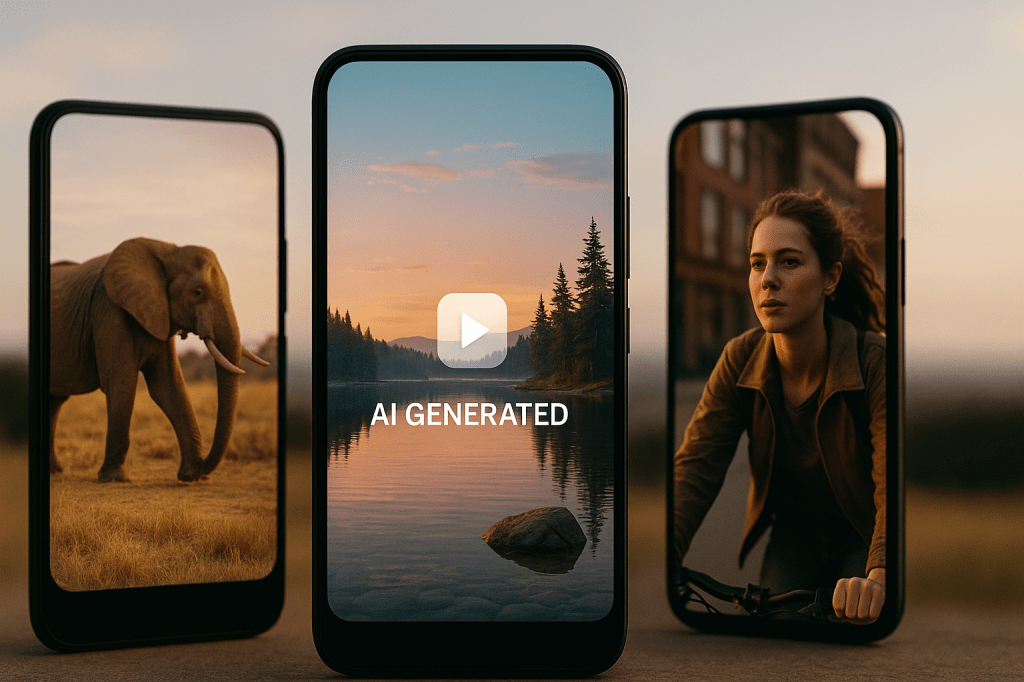
Microsoft has launched a new app called Bing Video Creator. This tool allows users to create short videos simply by describing them in words. It works within the Bing mobile app and is powered by advanced generative AI.
This tool is designed for quick, easy video generation. It’s free to use and supports social media-ready formats. Let’s explore what it does and how you can use it.
What Is Bing Video Creator?
Bing Video Creator takes a short text prompt and turns it into a five-second video. These videos are generated in vertical format (9:16), making them ideal for platforms like TikTok, YouTube Shorts, or Instagram Reels.
Microsoft has stated that horizontal format (16:9) support will be added later. For now, the focus is on short-form mobile-friendly content.
How to Use Bing Video Creator
Here’s how you can try Bing Video Creator on your phone:
- Open the Bing app on your iPhone or Android device.
- Tap the menu icon in the bottom right corner.
- Select “Video Creator” from the list.
- Enter a description of what you want to see.
- Tap “Create” and wait for the video to be generated.
You can also just type something like “Create a video of a cat flying through space” into Bing’s search bar, and it will take you to the video creator.
Once your video is ready, you’ll get a notification. Videos are stored in your creation history for up to 90 days.
Watch the Trailer
To get a better idea of what Bing Video Creator can do, check out this short demo trailer:
This video shows how the tool turns a simple idea into a visually interesting short clip.
Access and Usage Limits
The tool is currently only available through the Bing mobile app. A desktop version is expected soon.
When you first start, you get 10 fast generations for free. After using those, video creation still works but may take longer. If you want faster results, you can redeem Microsoft Rewards points. Every 100 points gives you one additional fast video generation.
You earn these points by using Bing for searches or shopping in the Microsoft Store.
Tips for Better Results
Here are a few tips to make your prompts work better:
- Be clear: “A robot dancing in Times Square at night” works better than just “robot.”
- Use action verbs: Try things like “running,” “glowing,” or “flying.”
- Mention style: You can add style words like “in clay animation” or “like a horror movie.”
- Set the scene: Say things like “foggy morning” or “sunset in Tokyo” to give more detail.
These kinds of prompts help the AI generate more visually accurate and creative results.
Built-In Safety Features
Bing Video Creator includes guardrails to prevent misuse. If a user tries to generate violent, adult, or misleading content, the tool will block the prompt.
Each video also includes invisible markers to indicate that it was created with AI, supporting responsible content sharing.
Why This Matters
Short-form video content is everywhere. Whether you’re a marketer, content creator, teacher, or just curious, Bing Video Creator gives you a fast way to bring ideas to life using only your words.
This lowers the barrier to video creation, making it easier for people without video editing experience to create something useful or entertaining.
Try It Now
You can download the Bing app and start experimenting today. Just open the app, describe your idea, and let the AI take care of the rest.
Bing Video Creator makes AI video generation fast, simple, and fun.


 AI Everything Today
Leave a comment